iRacing Button Box Guide: What to Map and How to Mount It
By PitLaneLab · 7 min read · Updated June 2026
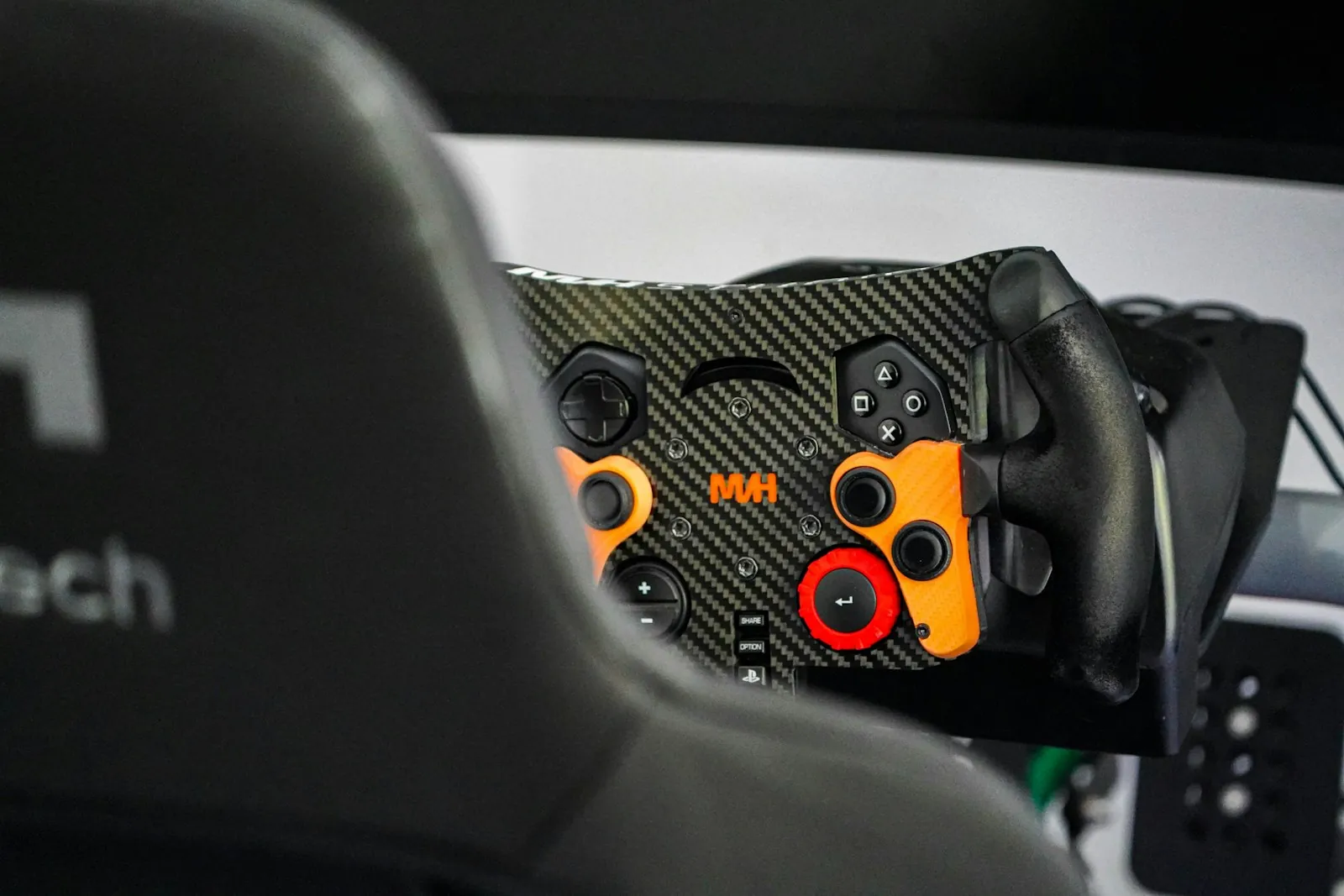
In iRacing, the controls that win and lose races are not the steering wheel and pedals: they are the mid-session adjustments you make while driving. Brake bias, ABS level, traction control, fuel strategy confirmation, and the pit lane speed limiter are all controls that a competitive iRacer needs at their fingertips without reaching for a keyboard. A button box puts every one of those controls within reach on the rig itself. The Sim Devices Rally Pro Button Box is the readymade option that gets most drivers up and running in under ten minutes. The Leo Bodnar BBI-32 USB Button Box Interface is the foundation for a fully custom layout if your racing style demands specific controls the readymade panels do not include.
Quick answer
A button box for iRacing should prioritise brake bias adjustment, ABS level, traction control level, the pit lane speed limiter, and push-to-talk. The Sim Devices Rally Pro is the best readymade option. Drivers who want a custom layout should build around the Leo Bodnar BBI-32 USB interface, which supports 32 inputs and requires no drivers.
This guide contains affiliate links. PitLaneLab may earn a commission at no cost to you.
Which controls to put on a button box for iRacing
The highest-value controls for a button box in iRacing are brake bias (best on an encoder), ABS level (encoder), traction control level (encoder), fuel add on pit stop (button), pit speed limiter (toggle), push-to-talk for team radio (button), and black box display cycling (button). These are the controls you touch mid-race while wheel input is happening, and they are the ones where a keyboard reach costs the most.
Secondary controls worth adding if space allows are windscreen wiper (toggle), dash display mode (encoder), engine ignition and starter (buttons for endurance races), and pit strategy confirmation (button). These are less time-critical but convenient to have off the keyboard.
The Sim Devices Rally Pro Button Box with its 12 buttons and 4 encoders covers the high-priority list cleanly. The Fanatec Podium Paddle Module is a wheel-mounted option for Fanatec ecosystem owners who want buttons and paddles at the wheel rather than on a side panel.

Sim Devices Rally Pro Button Box
Readymade aluminium panel with 12 buttons and 4 rotary encoders in a layout tuned for in-race adjustments in iRacing, ACC, and Assetto Corsa.

Fanatec Podium Advanced Paddle Module
Fanatec's magnetic paddle and button module that mounts behind a steering wheel hub, adding buttons, rotaries, and shift paddles to any Fanatec QR2 setup.
Readymade vs DIY: choosing your path
The Sim Devices Rally Pro Button Box and Simagic P12 Button Box are readymade options that are plug-and-play USB devices. You unbox them, bolt them to your rig, plug in the USB cable, and map controls in iRacing. No wiring, no configuration beyond control mapping. They are the right choice for sim racers who want to spend their time racing rather than building.
The Leo Bodnar BBI-32 USB Button Box Interface is the foundation of a DIY build. You purchase the interface board, source your own toggle switches, buttons, and rotary encoders, and wire them to the BBI-32's input terminals. The result is a panel with exactly the layout you want: however many encoders, however many toggles, in exactly the positions your hands reach naturally. The Leo Bodnar board is plug-and-play with Windows once wired; the work is the physical panel construction.
DIY builds using the BBI-32 can be mounted in a custom laser-cut aluminium or acrylic panel, or in commercial enclosures. Many sim racers in the DIY community share panel designs and component lists on the r/simracing and r/simrigs subreddits. Budget around $120 to $200 all-in for a well-specified DIY build with the Leo Bodnar BBI-32 USB Button Box Interface at its core.
Sim Devices Rally Pro Button Box
Readymade aluminium panel with 12 buttons and 4 rotary encoders in a layout tuned for in-race adjustments in iRacing, ACC, and Assetto Corsa.
Simagic P12 Button Box
Twelve-button plus rotary encoder panel from Simagic with a brushed aluminium finish and clean rig mounting bracket included.
Leo Bodnar BBI-32 USB Button Box Interface
32-input USB HID interface board that turns any switch or button panel into a game controller, the foundation of DIY button box builds.
Mounting your button box on the rig
The standard mounting point for a button box is the right side of the wheel column or the right side pod of the cockpit rig. This puts the panel within thumb-and-finger reach of your right hand when it leaves the wheel briefly, without requiring you to lean forward or take your eyes off the screen for long.
Aluminium profile rigs like the Trak Racer TR8 Pro Cockpit Rig and Sim-Lab P1X Cockpit Rig accept mounting brackets that clamp to the profile extrusion with set screws. Most readymade button boxes include a bracket for 40mm or 80mm profile. Steel tube rigs use a hose-clamp-style bracket that wraps the tube, which is effective but less adjustable.
Mount the box so the encoders you use most are closest to your natural hand resting position. Brake bias is the most-used encoder in circuit racing, so it should be the one you can reach without looking. Take a session to learn the layout by feel; a button box is only faster than a keyboard when your hands know where the controls are.

Trak Racer TR8 Pro Cockpit Rig
Heavy aluminium profile rig supporting wheel bases up to Simucube 2 Pro torque levels, with full adjustment for seat position, pedal angle, and wheel height.
Sim-Lab P1X Cockpit Rig
Heavy aluminium profile cockpit with a 45-degree pedal plate angle, wide side pod mounts, and direct compatibility with Sim-Lab's own pedal and button box range.
Featured in this guide
Sim Devices Rally Pro Button Box
Readymade aluminium panel with 12 buttons and 4 rotary encoders in a layout tuned for in-race adjustments in iRacing, ACC, and Assetto Corsa.
Leo Bodnar BBI-32 USB Button Box Interface
32-input USB HID interface board that turns any switch or button panel into a game controller, the foundation of DIY button box builds.
Simagic P12 Button Box
Twelve-button plus rotary encoder panel from Simagic with a brushed aluminium finish and clean rig mounting bracket included.
Fanatec Podium Advanced Paddle Module
Fanatec's magnetic paddle and button module that mounts behind a steering wheel hub, adding buttons, rotaries, and shift paddles to any Fanatec QR2 setup.
Keep reading
Related roundups
FAQ
Frequently asked questions
How do I configure a button box in iRacing?+
Open iRacing's Options menu, navigate to Controls, and select the input you want to map. Click the mapping field, then press the button, toggle, or rotate the encoder on your button box. iRacing reads USB HID devices automatically, so any compliant button box appears without driver installation. Encoders map as two separate buttons for clockwise and counterclockwise rotation.
Does a button box work with other sims as well as iRacing?+
Yes. A USB HID button box appears as a standard Windows game controller and is configurable in ACC, Assetto Corsa, EA WRC, Dirt Rally 2.0, and most other titles the same way. The controls you map differ per game, but the device itself is universal.
What is the difference between a button and an encoder for brake bias?+
A button press applies one increment of change per press. An encoder rotates continuously with click detents, applying one increment per click in either direction. For brake bias, an encoder is much more natural because you can smoothly dial the bias from front to rear in either direction without repeated button presses. Map brake bias to an encoder; map one-shot functions like the pit limiter to a toggle or button.
Can I backlight a button box for night racing and dark room setups?+
Readymade boxes like the Simagic P12 use illuminated switches. DIY builds using the Leo Bodnar BBI-32 can use illuminated toggle switches and LED-lit encoders, which you wire to a separate 5V supply or through the BBI-32's output pins. Backlit panels are a DIY build choice; most readymade budget boxes use standard non-illuminated switches.
Do I need a button box if my wheel rim has buttons on it?+
Most wheel rims have 10 to 20 buttons, which covers the basic control set. A button box becomes worthwhile when you run out of comfortable thumb-reach buttons on the rim, when you want physical toggles and switches rather than buttons (so you can feel the current position without looking), and when you want more encoders than a rim typically provides. For competitive iRacing, a button box extends what your rim can do rather than replacing it.